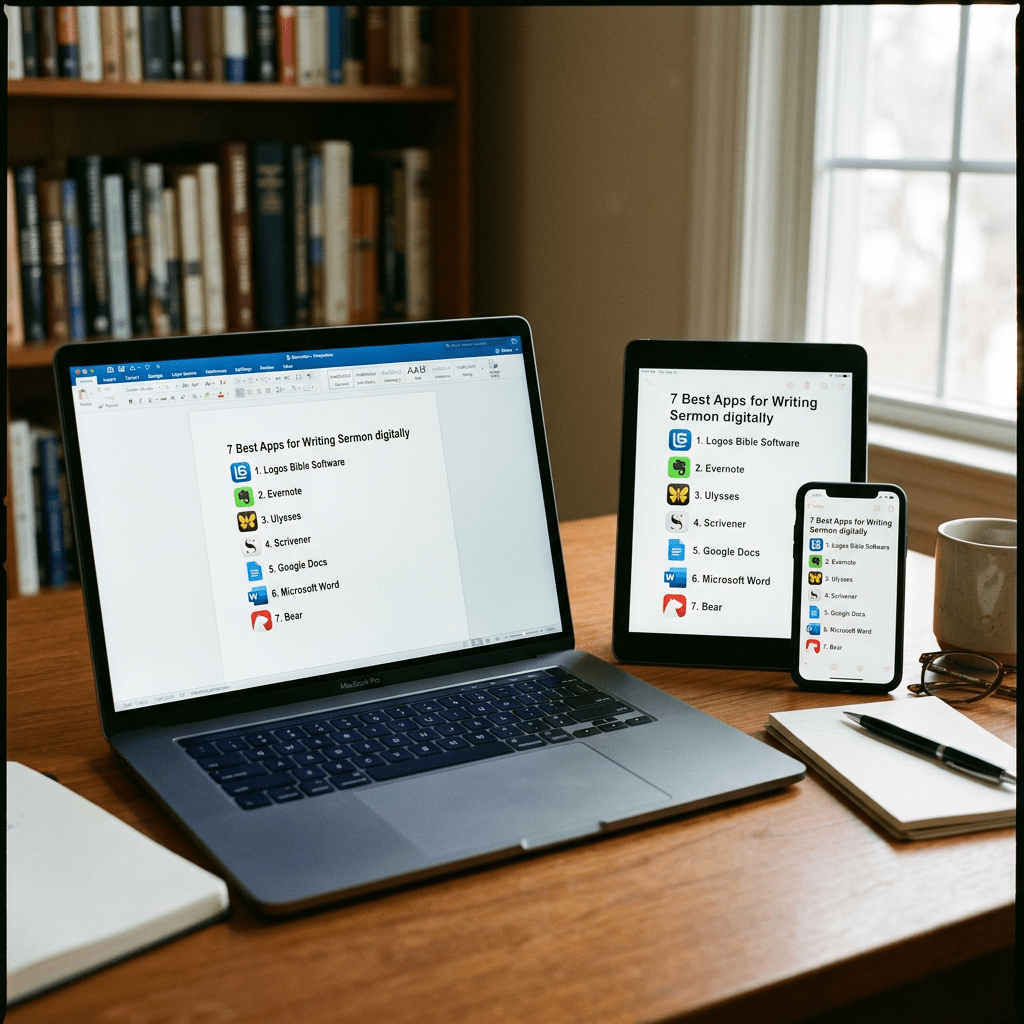
What tools do you use to write your sermons digitally? We’ve got the best apps for writing sermons digitally and we’ll explain why each works great and recommend the best single option.
I updated this post from it’s original form, which included tools that I no longer believe offer the best options. So we’ve got some of the same tools and some new ones.
Most of us no longer write out sermons by hand or type them on an old-fashioned typewriter. We write in Bible study software, a word processor, a notepad app, a note program, or some other software.
Microsoft Word or Your Favorite Word Processor
The granddaddy of word processors comes from Microsoft. Most people who use a word processor write with Microsoft Word. Other options include a form of the open-source OpenOffice. It’s a great tool if you use Linux or want a powerful tool that you can get for free.
I prefer to write my sermons in Microsoft Word so that I can save them in OneDrive so that they will automatically sync to my online storage and show up in the iPad version of Word without any actions from me. I just open the sermon notes in Word for iPad so that I’m sure it synced over. I do this at home or in my office before leaving when I know I’m in a space with reliable Internet and WiFi.

This works on an Android device as well. Install the Android version of Word and when you open Word on IPad or Android you’ll see the document in
If you write your sermons with one of these powerful word processors, you will likely come up with your sermon outline, copy and paste text from a Bible program or the Internet, and formate it for preaching.

I use predefined Styles in Word to visually organize my sermon notes. Green highlights Sermon Points. Red is reserved for Bible verses. Purple marks regular quotes or key sentences I want to emphasize exactly as written. Dark black italicized text indicates transition sentences between points.
If you’re all in using Apple Hardware and software, go with Apple Pages and iCloud sync. It works well even if Pages doesn’t come with all the powerful features of Word or one of these open-source word processors. You can still set up Styles like I did in my example in Word above. If you’re only using an iPad but a Windows computer, then you can go to iCloud.com to view the online version of Pages.
Android and Chromebook users can take advantage of Google Docs and Drive.
Remember that Microsoft Word costs at least $6.99/month for the basic Microsoft 365 subscription. You can often find deals online on eBay or Amazon, but be careful that you’re buying from a reputable buyer.
Bible Study Software Sermon Writing Tools
From the Tools menu in Logos open the Sermon Manager to organize all of your sermons. You can find it by typing in the Search box at the top of the Tools menu.

Open the Sermon Builder to create one sermon. I don’t use it, but if you do write your semons inside Logos, you can then preach them on an iPad using the Logos Mobile App’s built-in preaching mode.
Logos includes a useful Sermon Manager to create your sermon preaching calendar for weeks to years out in advance. Then, you open a single document with a tool called the Sermon Builder.
Logos users will love the way the built-in Sermon Builder syncs with their Proclaim worship presentation software. If you use it in your church, then you can create sermons in Logos and it will sync to Presentation for the date the preacher is scheduled to preach that sermon.

Using Logos and Proclaim together lets the preacher publish his sermon online in text mode. Plus the church can record both audio and video to publish podcasts or worship service videos.
To get Logos, I’d appreciate you using my affiliate link at www.logos.com/KevinPurcell where you can buy a package and get a few free books too. I get a commission which helps me do my work here on this site and on my YouTube channel.
Tools like Olive Tree and Laridian PocketBible are free to cheap to get the basic app. They aren’t as good for writing sermons, but you can create Notes in the app to use while preaching with your iPad or Android tablet.
Note Apps Built Into Your Operating System are Useful Apps for Writing Sermons Digitally
As I said above, you could just write plain text or simply formatted text in a Note attached to a passage inside your Bible study program. While you can write a sermon inside a note, it’s not a great tool for writing or for preaching.
If you use something like Olive Tree or Laridian’s PocketBible, then you should use another program. If you don’t want to use a complicated word processor, then consider the notes app built into your operating system.
I’m not as familiar with Linux, but I know they include basic notes tools. Windows has the Notepad app, but you probably should instead use something like Google Docs or OpenOffice mentioned above. Wordpad went away a couple years ago, so it won’t show up in current versions of Windows. Older versions will still have it, but do you want to keep going with an obsolete software when better free alternatives exist?

On a Mac you can get Pages free in the App Store or use Text Writer. If you use Text Writer, then you will need an app on your iPad to open text files or you can tap and hold on the file in the Files app. The menu offers an option to Open the document in a list of apps the work. I would use Pages or some 3rd party text editor from the App Store.
Notability or Other iOS Apps for Writing Sermons by Hand
For users on iOS and Mac, try out the great note-taking apps like Notability on iPad and macOS. You can write using your handwriting or typing. When you’re finished, you can export the results as a PDF or image file.

There’s a segment of users who enjoy mind mapping their sermons. I’m not one, but I’ve read about them. People like this will organize their sermon notes by putting the major subject in the center of the screen in a circle or box. Then they will draw lines away from the center to another shape for each major sermon division or point. Under or around each, they show their explanation, proof, and application for each main sub-idea in the sermon. Add an introduction and conclusion, and you’ve got a visual method of displaying the sermon.
Antoine Wright does “sketch notes” for his messages. Here’s an example of some notes he took while I was preaching.

Above you’ll see a visual form of those from my friend Antoine Wright, who visited my church and did what he called a “Sketch Note” of my sermon that day. You could do something like this for your sermon notes. If you’re not artistically inclined like Antoine, then you can use text or print instead of images.
You could use other note-taking apps like Apple Notes, Good Notes, and more.
Samsung Notes or Other Apps for Writing Sermons by Hand on Galaxy Android Devices
Another option for Android and Samsung users is Samsung Notes. It’s built into Samsung’s version of Android. I like using it because it’s simple and easy to learn. However, it has fewer features than Notability. If you could use. Notability on an Android device, I would. But it’s only a Mac or iOS app.
Use Samsung Notes to create notes with handwriting or type using a keyboard. The strategy is the same as it is for iOS handwriting apps.
Sermonary for Online Sermon Writing the Best of Online Apps for Writing Sermons Digitally
A final option is a website that lets you write online: Sermonary. Here’s how it works. Create a new sermon and then add your sermon elements. Add sermon divisions or points. Then create subpoints for the explanation, proof, and application.

I haven’t used it in a long time and it’s become quite expensive with two tiers ($499/year or $899/year). It also seems to promote other people’s sermons. However, you can use Sermonary Templates for different styles of sermons. You can use…
- 3 Point Sermons
- Andy Stanley’s ME-WE-GOD-YOU-ME format
- Running commentary format
- Defender’s Outline for an apologetics sermon
- Children’s Leader
- Youth Pastor
The service adds resources to help you preach the word, including some visuals, sermon series ideas, and more.
Recommendation for Writing Sermons
If you have access to Microsoft Word, then go with it. It’s cross-platform, meaning you can move from iOS to Android to Windows to Mac and back. Second, it’s not tied to one Bible study program. The recent deaths of BibleWorks and Wordsearch prove we should move carefully into one platform’s ecosystem. I like to keep as much as possible separate from my Bible software.
Sermon Series Ideas
The service adds resources to help you preach the word, including some visuals, sermon series ideas, and more.
Sermonary costs nothing for the basic editor. Add more features, and you’ll pay $19/month or $69/month for a bundle with Sermonary and Ministry Pass. That adds sermon series ideas, presentation visuals, holiday sermons, and sermon illustrations.
In addition to Sermonary, you could use any online writing tool like:
- Google Docs
- Word Online
- Grammarly
Recommendation for Writing Sermons
If you have access to Microsoft Word, then go with it. It’s cross-platform, meaning you can move from iOS to Android to Windows to Mac and back. Second, it’s not tied to one Bible study program. The recent deaths of BibleWorks and Wordsearch prove we should move carefully into one platform’s ecosystem. I like to keep as much as possible separate from my Bible software.


Leave a Reply